
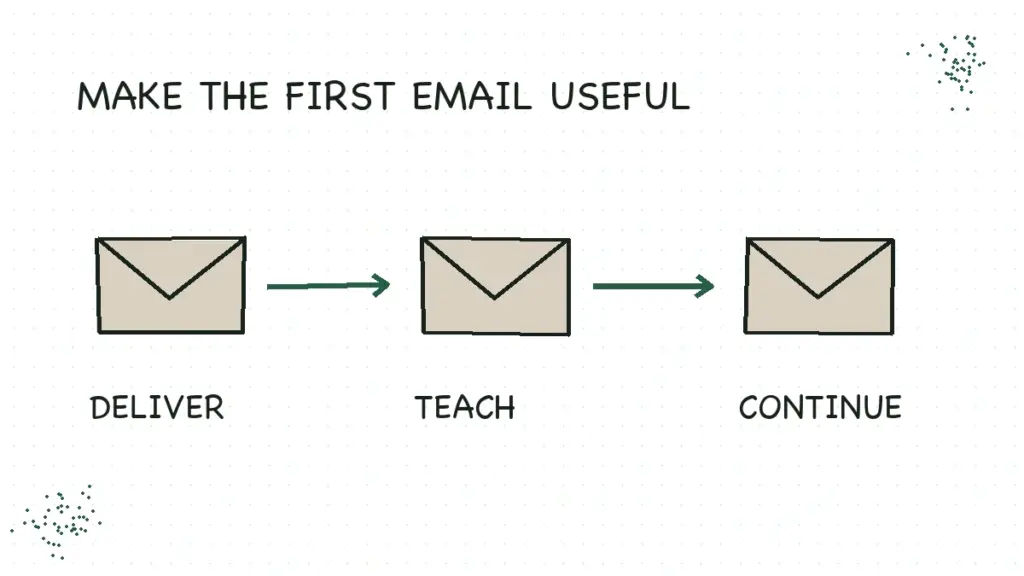
A welcome email sequence is a short series of automated emails that introduces new subscribers to your blog and helps them take the next useful step. For a first version, I’d write four emails: deliver what they asked for, help them use it, solve the next small problem, and explain what comes next.
You don’t need to squeeze your life story, every useful post, and a surprise product launch into email one. Someone asked for a worksheet. Let them find the worksheet.
Below is a complete example for a fictional freelance-writing blog, followed by the setup and testing work that makes the emails arrive as intended. Use the structure for your own topic; the examples aren’t an actual Create & Go campaign or evidence of a conversion rate.
Start with the promise that earned the signup
Imagine a reader finding your article about researching a publication before pitching an editor. They subscribe for a one-page pitch-prep sheet. That tells you something useful: right now, they want help turning a vague story idea into a pitch that fits a particular publication.
Your first emails should stay close to that job. A long introduction to your personal philosophy can wait until the reader has a reason to care. That isn’t an argument against personality. It’s a reason to let personality help the lesson instead of standing in front of it with a microphone.
Write down the resource they requested, the task it helps them finish, and the next obstacle they are likely to encounter. If those three things don’t connect, fix the signup promise before building an automation. Our newsletter guide explains how to make that ongoing promise specific enough to keep.
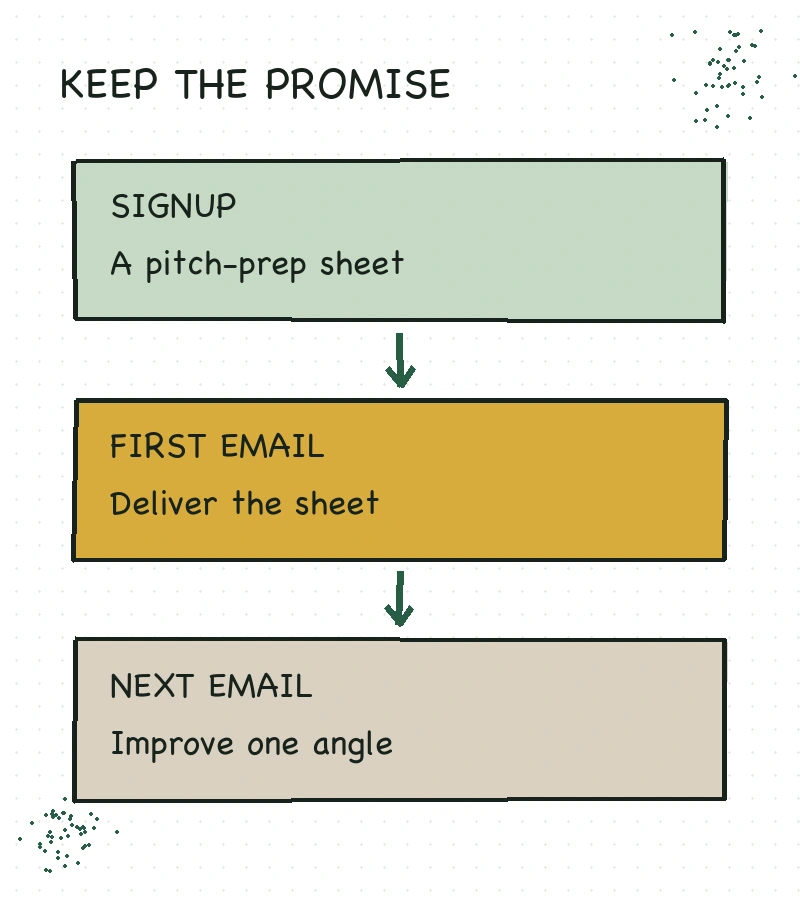
A sequence also needs an endpoint. In this example, the subscriber moves from downloading a sheet to preparing a more focused pitch, then into a weekly writing note. You could end with a relevant paid offer, but a useful sequence does not require a product to sell.
Build your welcome email sequence around four jobs
Here’s a starting schedule, measured from confirmed signup. It is an editorial example, not a tested “best” cadence. Adjust it to the promise on your form and how much time the task takes.
| Email and suggested timing | Main job and next action |
|---|---|
| 1. Deliver and orient — as soon as the subscriber is eligible | Make the resource easy to find and set expectations. Action: open the pitch-prep sheet. |
| 2. Help them use it — two days later | Work through one part of the sheet. Action: draft one story angle. |
| 3. Remove the next obstacle — two days after email 2 | Check whether the angle fits the publication. Action: review recent coverage. |
| 4. Explain what comes next — three days after email 3 | Introduce the regular email rhythm. Action: reply with the current sticking point. |
Four is a manageable first draft, not a law of email marketing. If two emails fully deliver your promise, start with two. If you are teaching a five-part course, use the room the course needs. Don’t invent extra messages because a diagram has an empty box.
The examples below use Rowan, a fictional blogger, as the sender. In your own version, use your actual experience, resource, and publishing rhythm. The resource button labels describe the links you would add in your email platform; they aren’t live downloads from this article.
Email 1: put the resource where people can find it
The first message should make the exchange feel straightforward. Name the resource in the subject, put its link near the top, and tell the subscriber what to expect. You can be warm without requiring someone to read six paragraphs before reaching the thing they requested.
Subject: Your pitch-prep sheet
Hi there,
Here’s the pitch-prep sheet you requested. Use it to check one story idea against one publication before you write the email to an editor.
Resource button: Open the pitch-prep sheet
Start with the first question: who reads this publication, and what would your story help them understand? A rough answer is enough for today.
Over the next week, I’ll send three short notes to help you use the sheet. After that, you’ll get one practical freelance-writing email each Tuesday. You can unsubscribe using the link at the bottom whenever it’s no longer useful.
— Rowan
If your confirmation email already delivers the file, say where to find it and give the reader a reliable route back. Don’t make two messages give contradictory instructions about where the download lives.
In Kit, the confirmation email settings control double opt-in and can send subscribers to a file or URL after confirmation. That confirmation step and your teaching sequence serve different jobs. Check the whole path rather than assuming the email with “welcome” in its name must arrive first.
Email 2: help them get one small result
A download is easy to collect and easy to ignore. Your next email can help the reader use it while the reason they subscribed is still fresh. Pick a small enough task that they can finish without clearing an entire afternoon.
Subject: Make the idea smaller
Hi there,
Open the pitch-prep sheet and look at your proposed angle.
“An article about working from home” is a topic. “How freelance designers handle client calls when they share a small apartment” is a more specific angle: it names a person, a situation, and a problem to explore.
Try that with your idea. Who is it for? What are they dealing with? What would your reporting help them understand?
Write one sentence that answers those questions. Don’t polish the pitch yet. First make sure you know what story you’re proposing.
— Rowan
The example teaches something inside the email. It doesn’t send the reader to a new article merely to discover what today’s email was trying to say. If a longer post genuinely helps, link to the relevant explanation after delivering the small lesson.
Email 3: address the problem they meet next
Once the reader has an angle, the next question is whether the publication needs that story. That’s a natural follow-up. A random tour of your five most popular posts would make the reader rebuild the connection themselves.
Subject: Before you send the pitch
Hi there,
Take the angle you wrote and search the publication’s recent coverage.
Has it already run almost the same story? If so, don’t stop at changing the headline. Look for something your reporting would add: a different group of people, a new development, or a question the earlier article left open.
Add a short note to your sheet: “This fits the publication because…” Then explain what makes this story meaningfully different from the nearby coverage.
If you can’t finish those two thoughts yet, spend a little more time researching before drafting the pitch. The editor won’t have your worksheet, but the work should be visible in the idea.
— Rowan
That message earns its place by helping the subscriber make a decision. It doesn’t need a cliffhanger or an urgent deadline. The task itself provides a reason to continue.
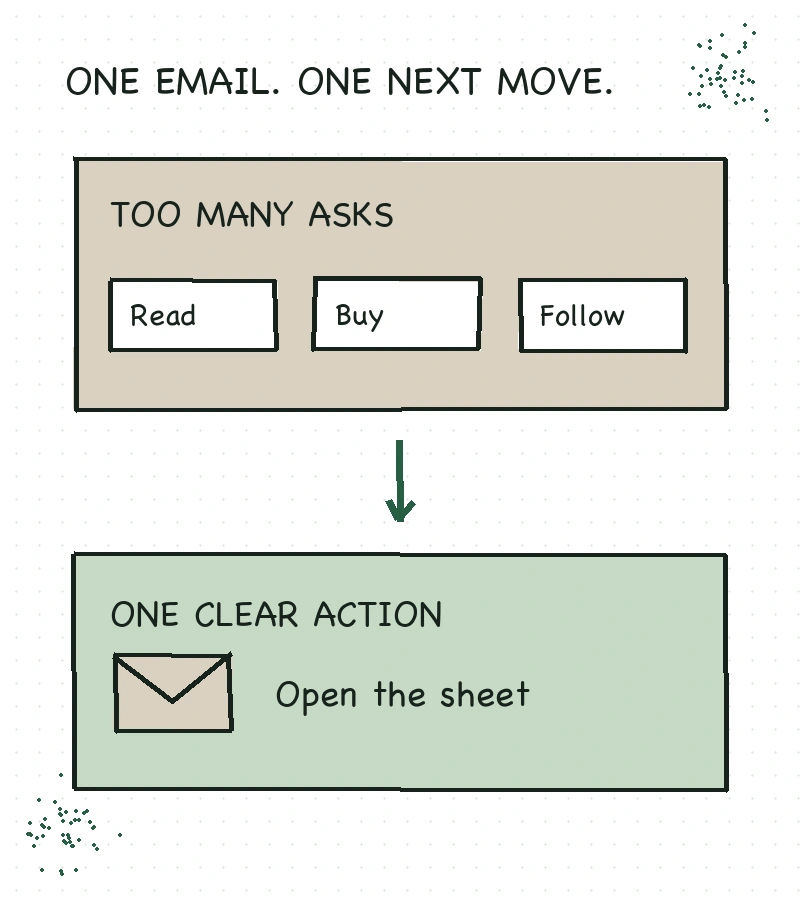
A paid resource can belong here if it helps with this same task. Explain who it is for, what it contains, and why someone might want it. If you don’t have a relevant offer, keep teaching. You can build the relationship before deciding what to sell.
Email 4: introduce the regular newsletter
The last welcome email should make the next message feel expected. Restate the regular cadence, describe the kind of help you send, and ask a question you are prepared to read the answers to.
Subject: What happens after the worksheet?
Hi there,
The last few notes covered the main checks on the pitch-prep sheet: a specific angle, a publication fit, and a reason this story adds something useful.
From here, I’ll send one writing note each Tuesday. We’ll work on practical parts of freelancing, including clearer pitches, stronger drafts, and choosing which assignments fit your time.
What is the part you are stuck on right now: finding an idea, choosing a publication, or writing the pitch? Hit reply and tell me a little about it. I read the replies, although I can’t promise individual pitch reviews.
— Rowan
Only promise to read replies if someone will actually monitor that inbox. A personal-sounding question followed by a dead reply address is a strange introduction to a relationship.
Create & Go’s earlier email sales-funnel episode makes the larger relationship point. This welcome sequence is one small implementation: help a new subscriber use what they requested, then make the ongoing emails understandable.
Connect the emails to the signup that should start them
Write and proofread the emails before turning the automation on. Then map the path in plain language: someone joins this form, completes any required confirmation, receives this sequence, and becomes eligible for the regular newsletter according to your sending rules.
In Kit, a Sequence contains the emails; a Visual Automation can add subscribers to that Sequence when they enter through a selected form. Kit’s first Visual Automation guide shows the current controls. Check the features available on your own plan before building around them.
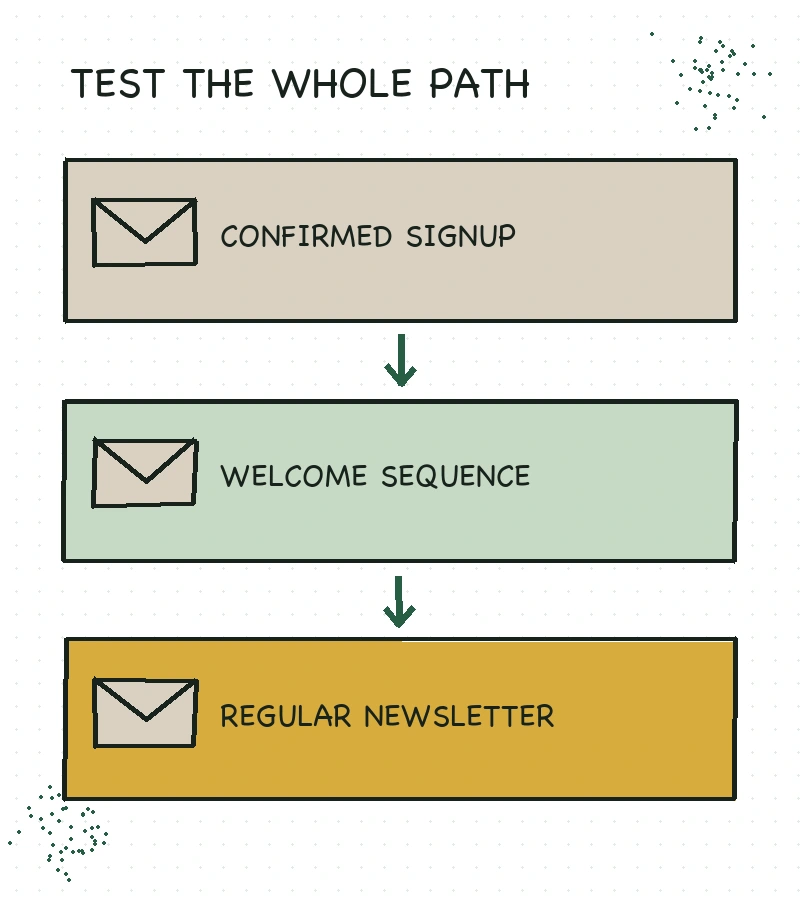
Pay particular attention to people who already subscribe. Decide whether joining another form should restart the welcome sequence, deliver only the new resource, or take a different path. Test that behavior explicitly. An automation that works for a brand-new address can still confuse a returning reader.
Also decide how broadcasts interact with the sequence. A new subscriber can otherwise receive a welcome email and a regular issue close together. That may be fine when the promise supports it; it should be a choice you made.
Test the experience before inviting readers into it
Use an address you control and subscribe through the real form. A preview email proves that a message can render. It doesn’t prove that the form enrolls the right subscriber or that the delays and exit behavior work.
| Check | What you are trying to confirm |
|---|---|
| Signup and confirmation | The stated process works, including any required confirmation |
| Resource delivery | The right file opens without unexpected login or sharing restrictions |
| Sender and reply address | Readers recognize the sender and replies reach a monitored inbox |
| Sequence order and timing | The intended emails arrive once, in the right order and spacing |
| Returning subscriber | A second signup behaves the way you planned |
| Mobile reading | The resource link and main action are easy to find and use |
| Unsubscribe and exclusions | Your test subscriber can leave and no longer receives the sequence |
| Newsletter handoff | The welcome-series finish matches your regular sending rules |
For a long sequence, you can use a separate test copy with shorter delays. That checks the route; it doesn’t verify the production timing. Review the actual schedule before enabling it, and never shorten delays on an active sequence just to make your own test finish faster.
If the wrong resource arrives or a subscriber gets duplicate messages, pause the affected path using your platform’s supported controls while you fix it. Keep a copy of the approved email text and note what changed. That makes recovery much calmer than editing five messages from memory.
After launch, review the sequence when you change the freebie, the linked posts, the offer, or the newsletter promise. Look at delivery failures, clicks, unsubscribes, and actual replies together. A large open count alone doesn’t tell you whether someone used the resource.
Start by writing email one in a plain document. Put the promised resource first, give the reader one small action, and explain what comes next. Once that works, you have something solid for the next three emails to follow.
