Turn the Navigation Into a Keyword Map
Little Coffee Place organized the homepage around the major jobs coffee buyers already search for.
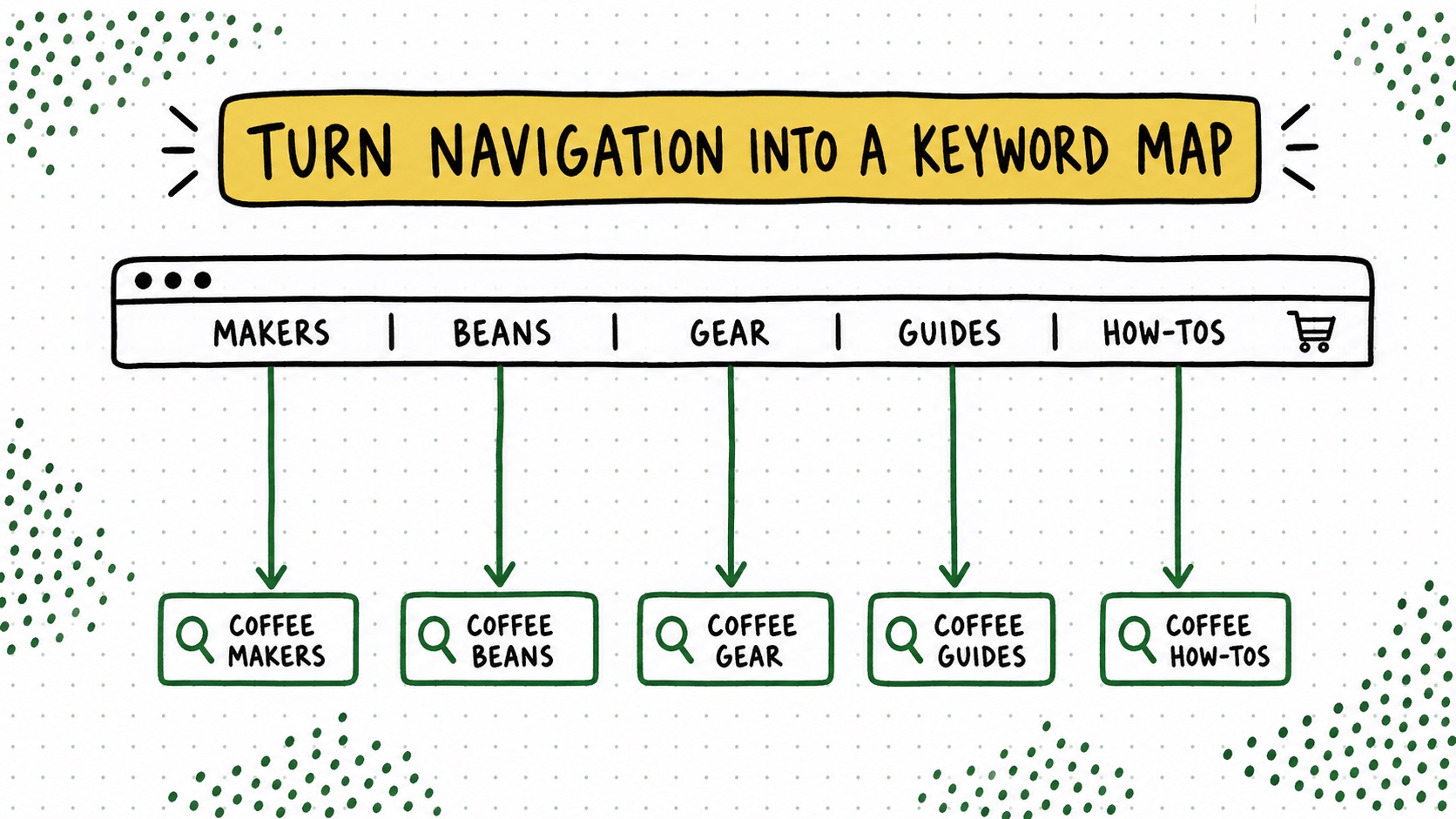
The old Little Coffee Place homepage did something I still love: the navigation explained the business in about five seconds. No manifesto. No category names invented during a brand workshop. Just the things coffee people were already trying to figure out.
Coffee Makers. Coffee Guides. Accessories. Beans. How To. You could read that line and understand both the site and the reader’s next few weekends.
Those weren’t normal blog categories
Those were not normal blog categories built around an internal filing system. They matched the major jobs a coffee reader arrives with: choose equipment, learn a method, solve a problem, or buy the thing that improves the ritual.
That gave the writers a simple content map and gave internal links somewhere meaningful to point. A new idea had a natural home. A reader who landed on one article could move sideways into a topic or forward into a buying decision without returning to Google for directions.
The test is not whether every post fits perfectly. Blogs are living things and occasionally produce a strange little article that belongs in the junk drawer. The test is whether the main navigation describes the reader’s world more clearly than it describes your database.
Try this on your blog
- Export your last fifty posts.
- Group them by the job the reader is trying to complete.
- Promote the four to six strongest jobs into navigation and hub pages.
You’re done when: Your navigation names four to six reader jobs instead of mirroring your internal filing cabinet.
Your categories should help a reader choose a path. If they only describe your filing system, they are not finished. The navigation is allowed to do SEO work, but its first job is helping a mildly under-caffeinated person know where to click.