



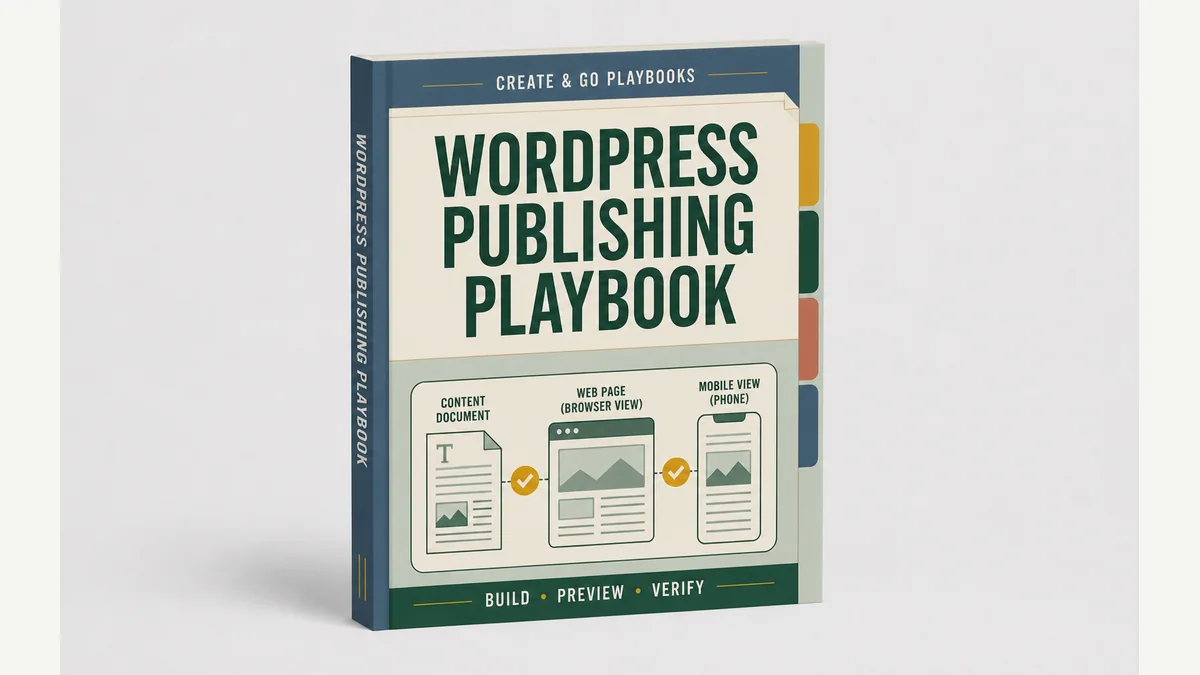
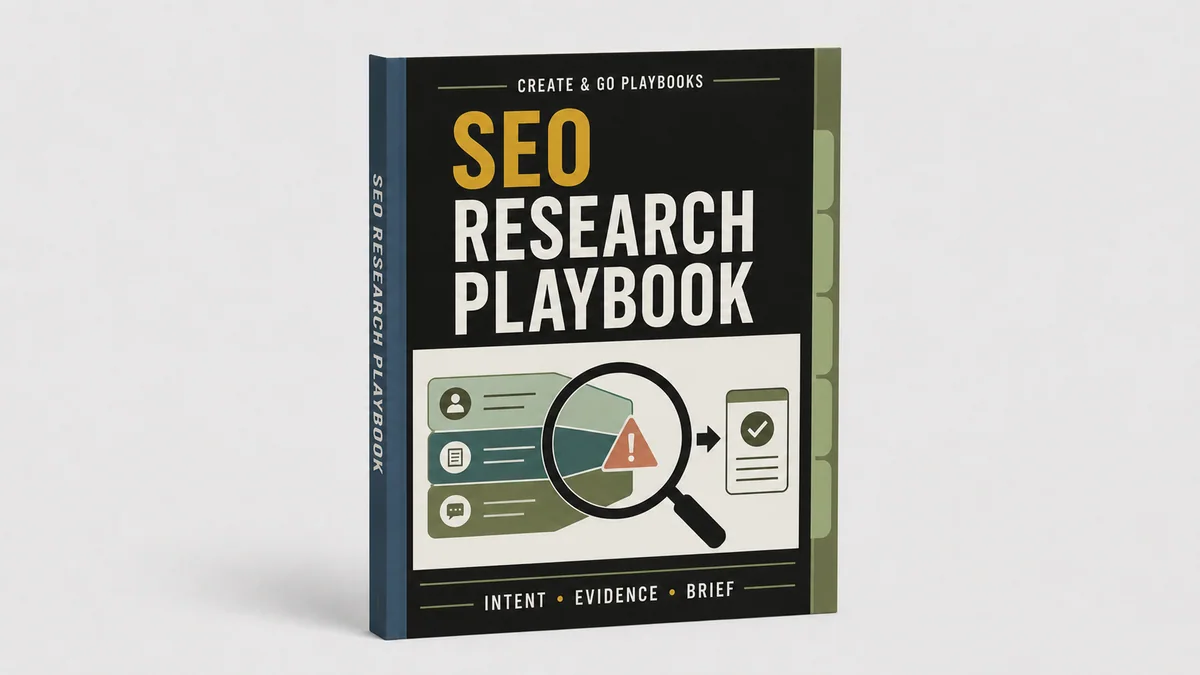
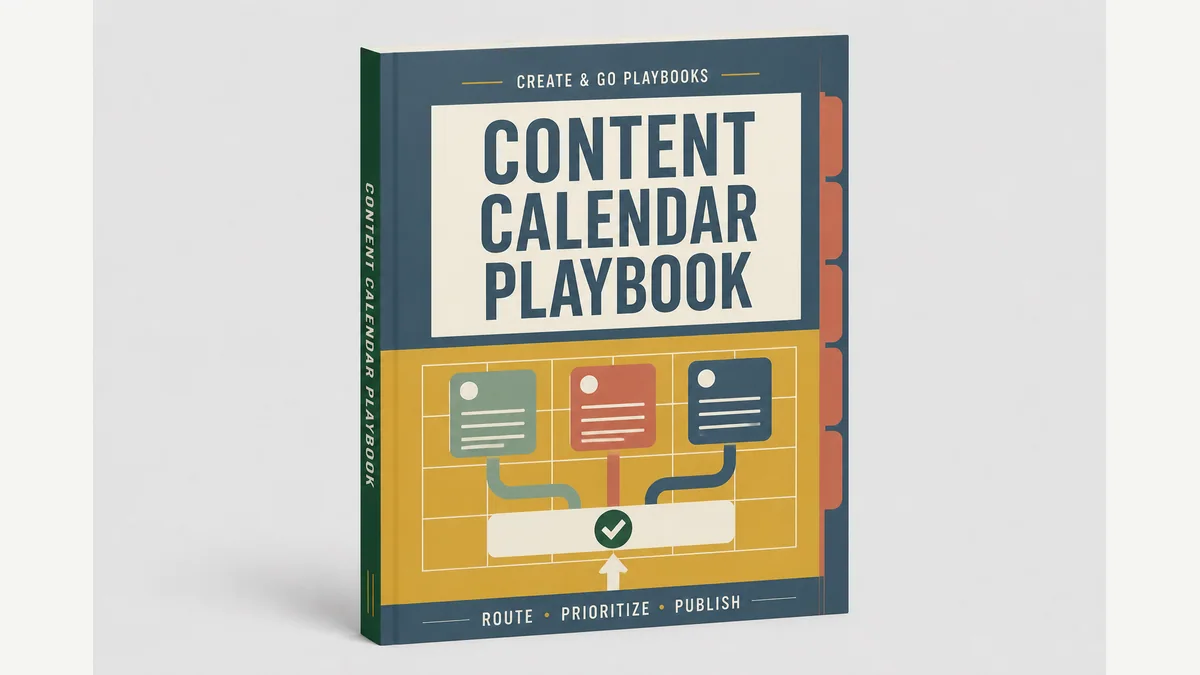
Field manuals for the work that keeps coming back

Stop collecting advice. Start finishing things.

These are step-by-step systems for the jobs every blogger repeats: writing, SEO, email, publishing, and more. Learn the job, use Claude where it helps, and check the result before it wanders onto the internet wearing its pants backward.

Built from 12+ years of running real blogs—not a prompt-pack weekend.

AI & Operations
  • $47$29playbook
  • $79mini course + playbook
  • Includedwith the matched course or Pro Bundle

Pick one useful win

Pick one job. Follow one system.

The playbook gives you the steps, templates, Claude workflow, examples, and final check. Add the mini course when you want Noah to teach and demonstrate the job, too.

2 products

Clear filters
Email Marketing Playbook workbook cover
Email Playbook

Email Marketing Playbook

No subject-line seance. No twelve-email funnel wearing a fake moustache. Give every email one useful job, then learn from the send.

Originally $47 $29 standalone

Save $18

See what’s inside

Outcome: Write, review, segment, send, and learn from emails without rebuilding the process each time.

Includes

  • Email archetypes
  • Campaign QA
  • Performance learning loop
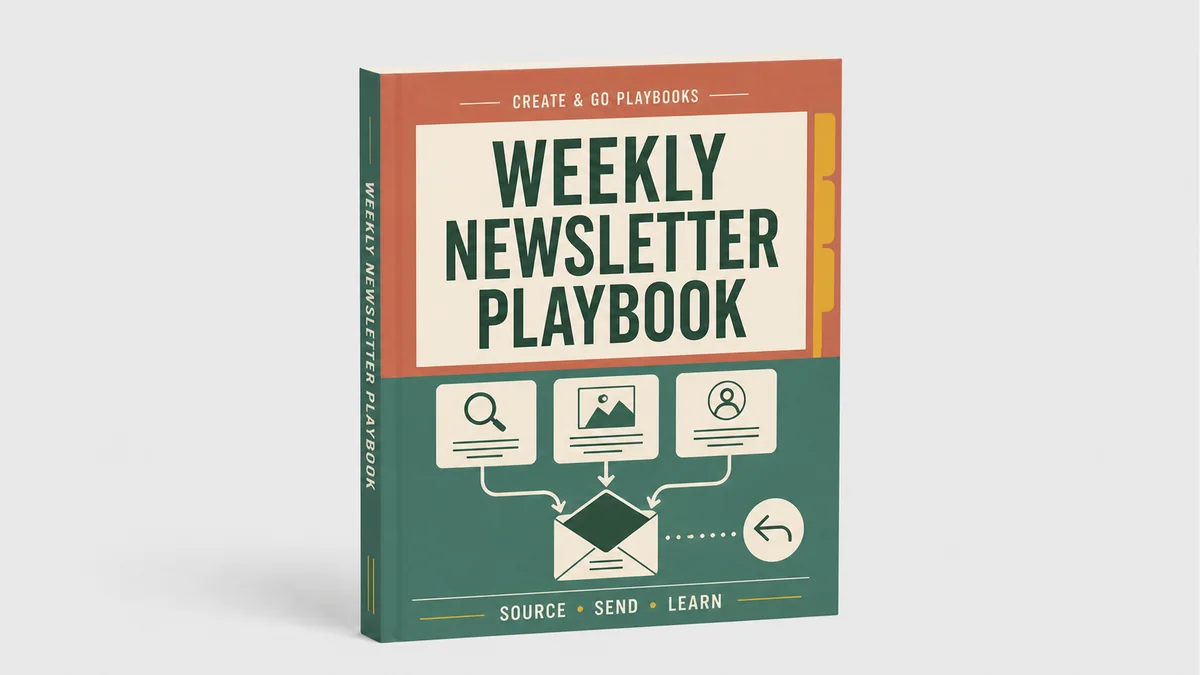
Weekly Newsletter Playbook workbook cover
Email Playbook

Weekly Newsletter Playbook

You do not need a fresh personality every Tuesday. Turn the week’s real work and lessons into one email worth opening.

Originally $47 $29 standalone

Save $18

See what’s inside

Outcome: Build a repeatable newsletter rhythm with a human approval gate before the send.

Includes

  • Weekly source sweep
  • Newsletter template
  • Send and learning log

The whole job, not one magic prompt

Do it yourself. Then let Claude help.

First, understand the plain-English process. Then use Claude for the parts it can speed up while you keep the decisions only a human should make.

01

Learn the job

See what you are making, why it matters, and what “done” looks like.

02

Follow the steps

Use one clear process instead of rebuilding the job from memory.

03

Work with Claude

Give Claude the right context, prompts, examples, and boundaries.

04

Check the result

Use the final checklist before you publish, send, or hand it off.

The Create & Go standard

Built in the business. Cleaned up for yours.

Each playbook starts as the actual operating document behind a workflow. It gets used, corrected, and tested before the private details come out and the teaching layer goes in.

Browse the evidence and lessons
  1. 1
    Use it internally

    The workflow has to survive real work first.

  2. 2
    Record the questions

    Every clarification becomes a better rule, example, or boundary.

  3. 3
    Make it customer-safe

    Private access and client details come out. Explanations and blank templates go in.

  4. 4
    Keep improving it

    Version dates and feedback keep the system useful after release.

Inside the courses, too

Learn the strategy. Keep the operating system.

Relevant playbooks will be included as bonuses inside Create & Go courses, so the lesson does not end when the video does. You can use the checklist, prompt, template, and quality gate while you do the work.

Explore the courses

The useful details

A few things worth knowing first.

A playbook should remove work from your brain, not give you a prettier pile of homework. Here is exactly how these work.

What do I actually get?

A quick start, the full step-by-step system, copyable Claude prompts, checklists, a blank template, a filled example, and a short video walkthrough. The exact files will always be listed before you buy.

What is the difference between a playbook and a mini course?

The mini course teaches and demonstrates the skill. The playbook is the system you keep beside you while you do the work: prompts, templates, examples, decisions, and QA.

Do I have to use Claude?

No. Every playbook teaches the regular process first. Claude is the helper: it can speed up parts of the job, but you still make the important decisions and approve the result.

Can I use them with a team?

Yes. The handoff prompts, role boundaries, examples, completion notes, and quality gates are designed for solo use and team use.

What if the tools change?

The method and decision rules come first. Tool-specific steps are versioned, dated, and updated when the workflow changes materially.