
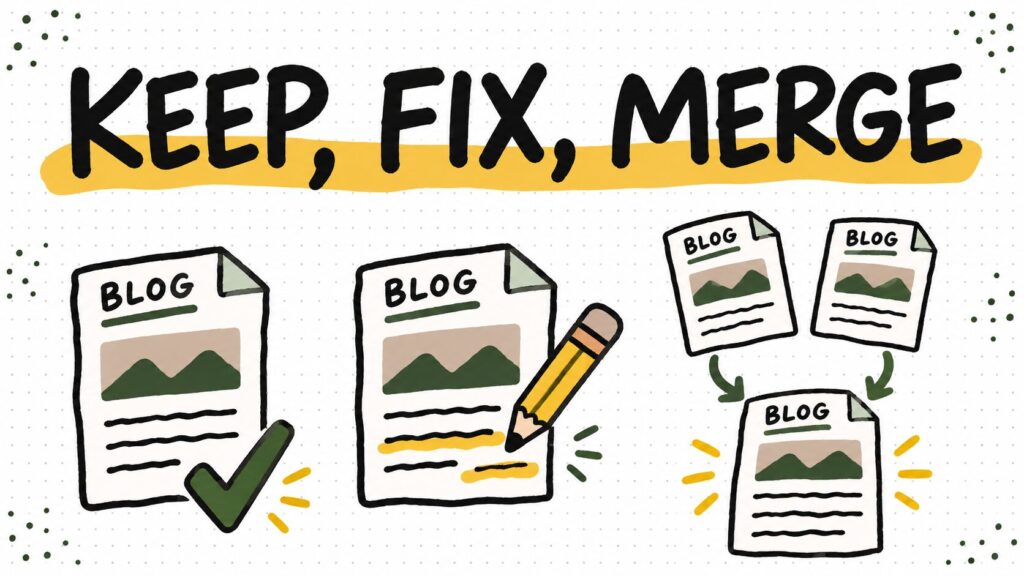
A blog content audit sounds like a spreadsheet project. It is really a series of editorial decisions: which posts still help a reader, which need a repair, and which are competing with each other. You can do a useful first pass without buying another tool or deleting half your archive.
Here is a blog-specific way to do it, using your actual Search Console data and a page-by-page reading. The goal is a shorter, better work queue—not a prettier spreadsheet.
What a blog content audit should answer
For every important post, decide one of four things: keep it, fix it, merge it with another post, or retire it. The decision should come from the reader’s question and the page’s job, with performance data as evidence. A post with few Google clicks can still earn subscribers, answer a customer question, or support another page. Low clicks alone are not a deletion instruction.
Make a small inventory
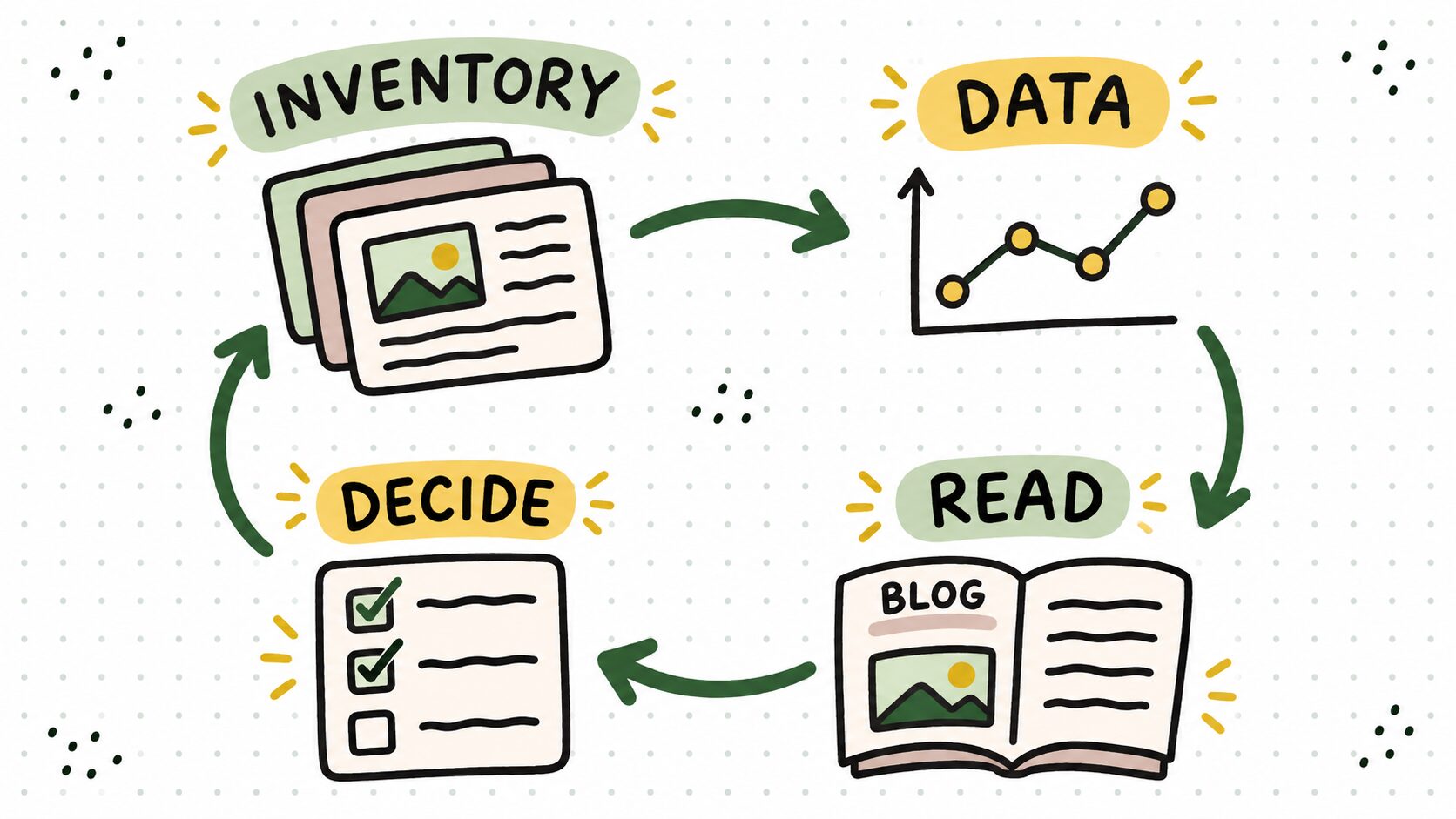
Start with your published blog URLs. Your WordPress Posts screen or sitemap is enough. Put each URL, title, topic, and intended reader in one sheet. If you have hundreds of posts, begin with the 20–30 pages most connected to your current business: posts that get search traffic, attract email subscribers, link to offers, or answer a question you hear repeatedly.
Add a column for the page’s first useful result. What can a reader do after finishing it? This catches a problem that a rankings export cannot: a page can target a good keyword while offering no useful next step.
Add Search Console evidence, then read the page
In Google Search Console’s Performance report, compare a recent period with the previous comparable period. Use the Pages view to spot pages with meaningful impressions and falling clicks; open a page to see its queries. Keep the date range and search type consistent. Search Console is only part of the picture, so add conversions or email signups from your own analytics if you track them.
Now open the post like a reader. Is the promise in the title actually delivered? Are screenshots, prices, links, and instructions current? Does the introduction answer the question quickly? Does the post send the reader to the right next lesson? A drop in clicks tells you where to investigate; it does not tell you what edit to make.
Sort by the kind of work needed
- Keep: The page answers a distinct question, remains accurate, and supports a useful reader path. Check links and leave it alone.
- Fix: The question is still worth answering, but the page has stale steps, missing evidence, weak structure, or an unclear next action. Record the exact repair.
- Merge: Two pages substantially answer the same question. Choose the stronger destination, move over genuinely useful material, then plan a redirect from the retired URL. Check internal links and queries before doing this.
- Retire: The page has no clear reader or business job, and no good destination for a merge. Check links and conversions first; only then decide whether to remove it or redirect it.
Don’t confuse a newer date with a better post. Google’s people-first guidance cautions against changing dates or removing older content just to make a site appear fresh. Make an update because the answer improved.
A worked audit row: a year in the title
Our guide to making money blogging and affiliate program roundup still display “2025” in their titles as of this audit. That’s a reason to inspect them, not automatic proof that they should be republished or removed. The money guide needs a check of its examples and current reader path; the program roundup needs the actual program terms verified with each provider before any commission claim changes. Search Console and conversion data would set their priority.
For the affiliate program roundup, an audit row could say: Reader question: Which programs fit a blogger now? Known issue: The title says 2025, and individual program terms need rechecking. Clicks and conversions: Unknown until we pull the reports. Next action: Verify each program with its provider, compare the page’s recent queries and conversions, then decide whether to update it. That is a real work item without guessing whether the page is winning or losing.
Likewise, a beginner affiliate post already exists on Create & Go. Publishing a second article that repeats its steps would make both pages less useful. The audit question is whether the existing affiliate marketing guide needs a clearer blogger example or a better internal path.
Turn the audit into a working queue
Use one row per URL with these columns: URL, reader question, first useful result, clicks, impressions, conversions, accuracy issue, overlap URL, decision, next action, owner, review date. “Update post” is too vague for the next-action column. “Replace the outdated setup screenshots and retest every button” is work someone can actually finish.
Pick one or two high-value fixes first. For a blog that helps people build and grow a site, a clear how to start a blog path may matter more than polishing a post that no longer fits the audience. Work through the queue, then compare the same metrics again after search engines have had time to process the changes. Keep an edit log so you know what changed.
Before you merge or remove a URL
Read both pages, check which queries each serves, identify backlinks and internal links, and decide where a reader should land. If one URL truly replaces another, use a permanent redirect and update important internal links to the destination. Google’s redirect documentation explains how permanent redirects signal the preferred destination. If the pages answer different questions, keep them distinct and improve their titles and links instead.
Your first audit is done when you have a defensible decision and an executable next step for the pages that matter most. The spreadsheet is just where those decisions live.
